File manager
In this menu the user can consult:
- The Loads made by template (my loads) or from another system (External loads).
- The Downloads requested through the functionality "Export available in most of the menus.
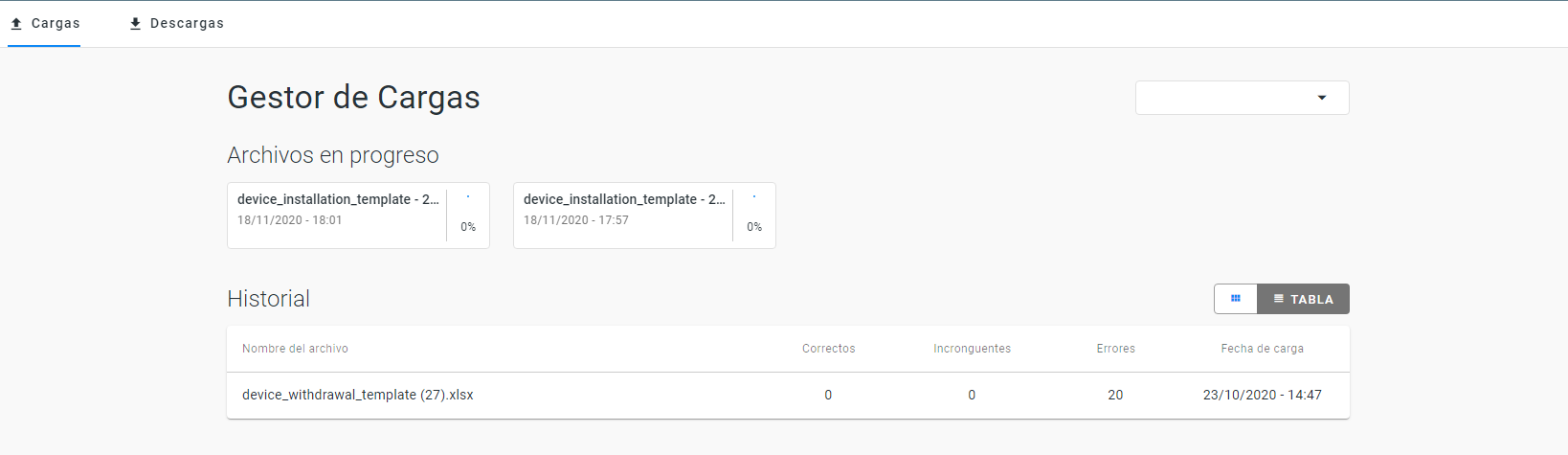
From Loads tab, it is possible to consult:
- Files in progress.
- History of uploaded files:
- Name of file.
- Status of the load:
- OK: The file has been processed and the information is available in the system.
- Warnings: Inconsistencies have been detected.These inconsistencies are not considered as an error that prevents the loading process.
- Errors. It has not been possible to finish the upload due to inconsistency or lack of data.
- Load date.
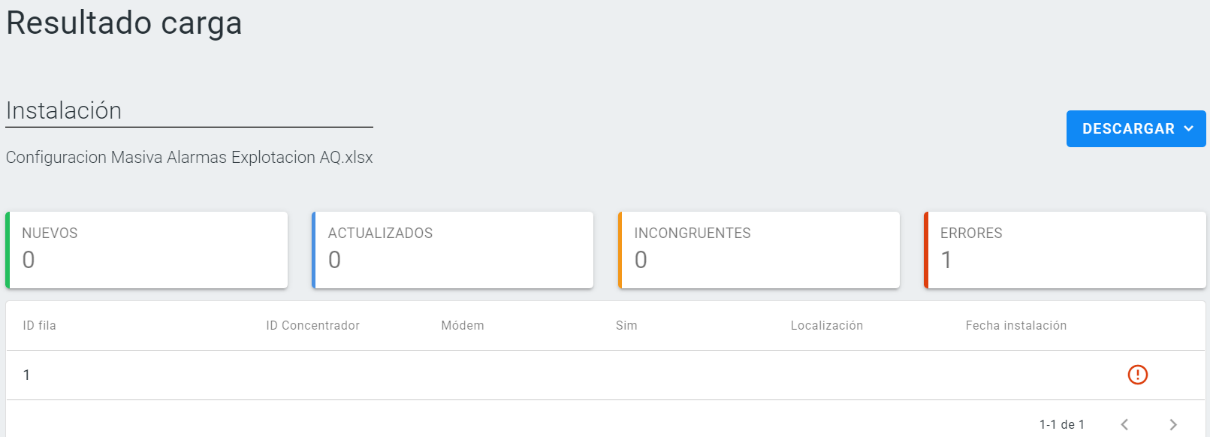
Clicking one of the rows (file), the user access to the Load result screen. This screen details how many of the data loaded in the file are OK, Warnings or Errors.